
 Premium time tracking
Clock in, track pay, and understand your workday.
OnClock is a modern clock-in/clock-out app for hourly workers, contractors, freelancers and students who want beautiful, private shift tracking.
- Free for everyone
- No subscriptions or in-app purchases
- No ads · No tracking
Your hours and pay, without the spreadsheet.
-
01Clock in
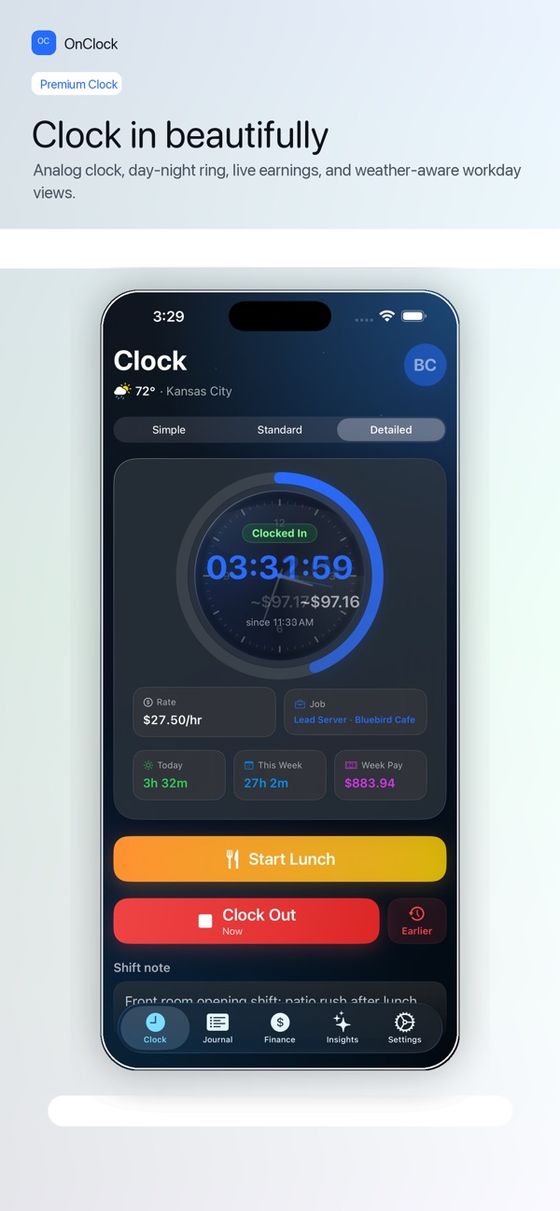
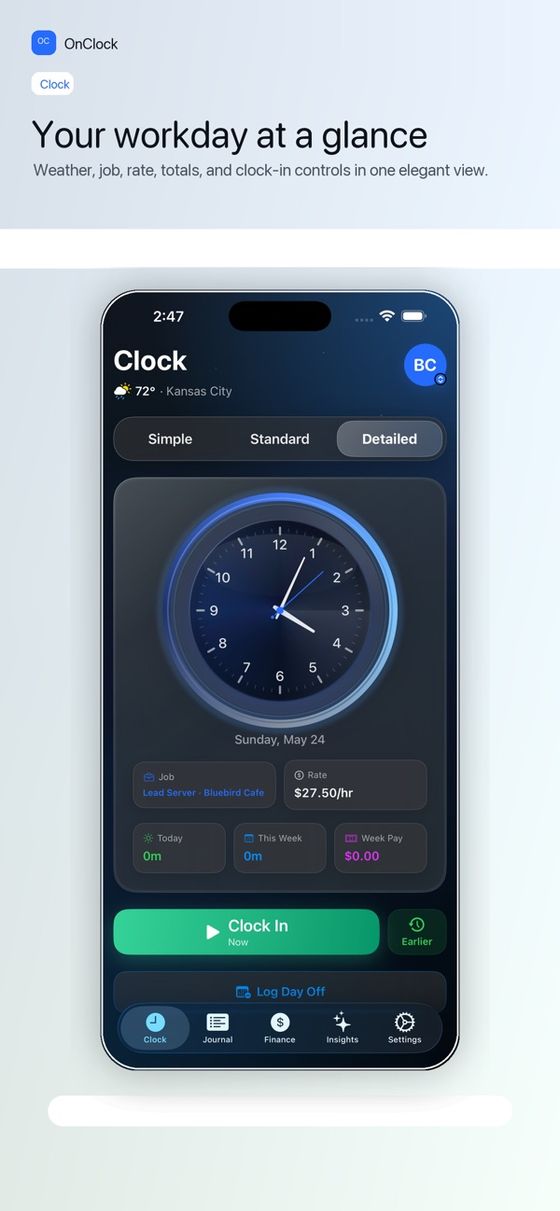
One-tap clock in
Clock in, start lunch, return from break, and clock out with a simple daily flow.
-
02Break
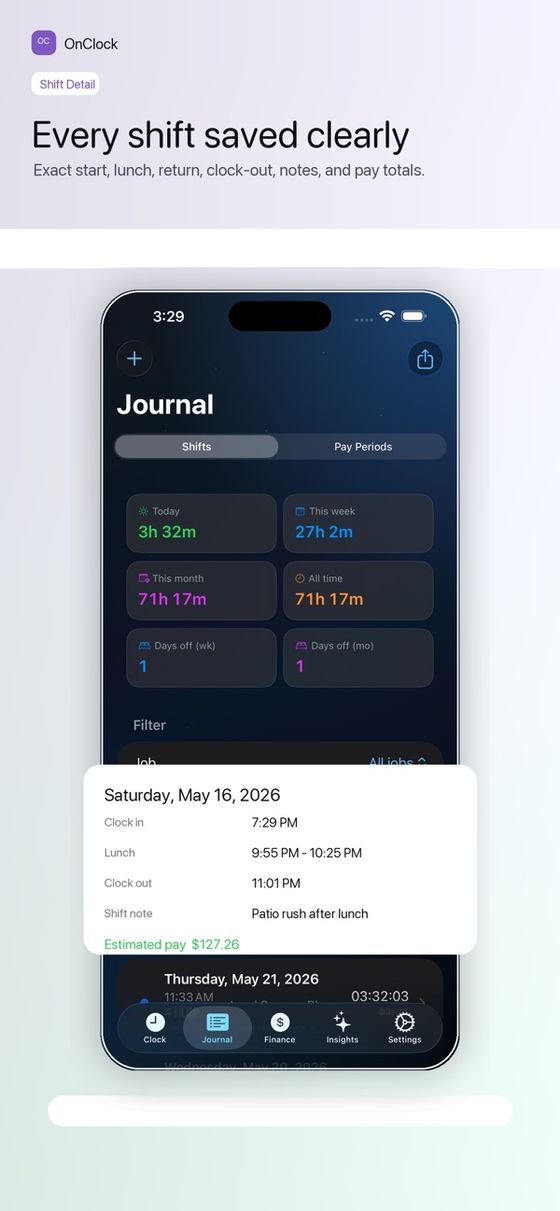
A real work journal
Notes, breaks, tags, and editable shift details for every workday.
-
03Clock out
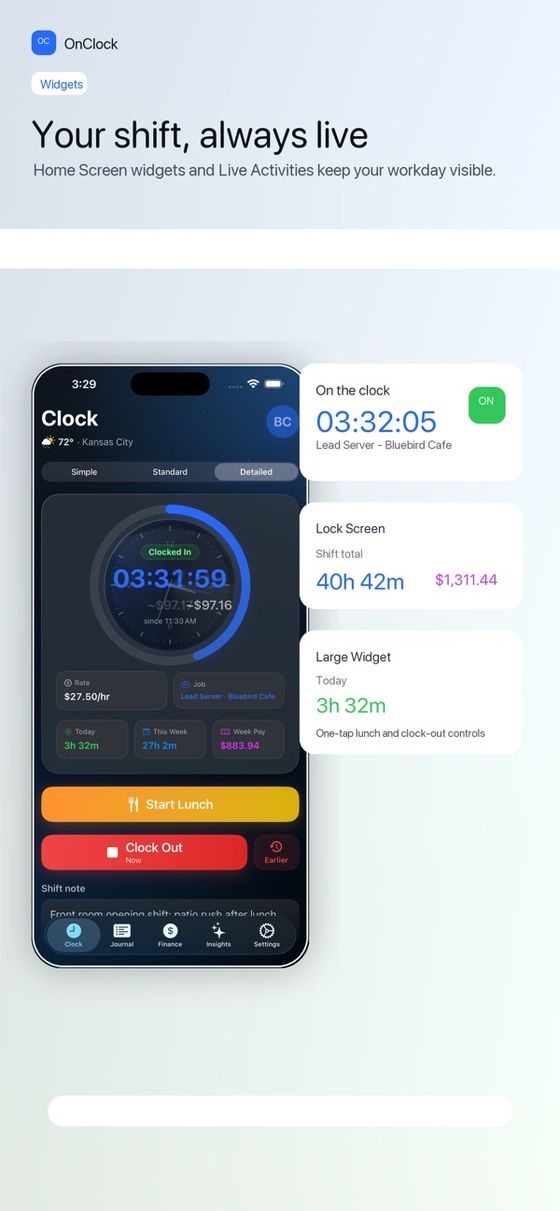
Widgets & reminders
Widgets and local reminders keep your current workday visible.
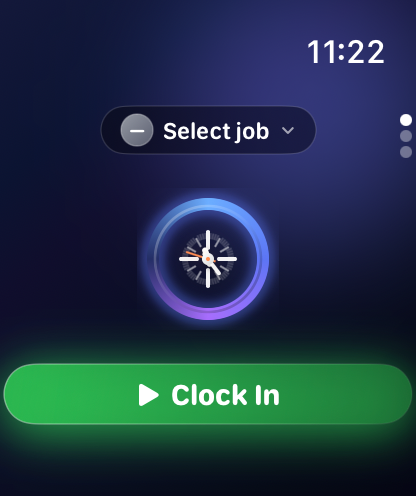
Apple Watch
Clock in, take breaks, and watch your earnings grow, right from your wrist.
-
04Pay period
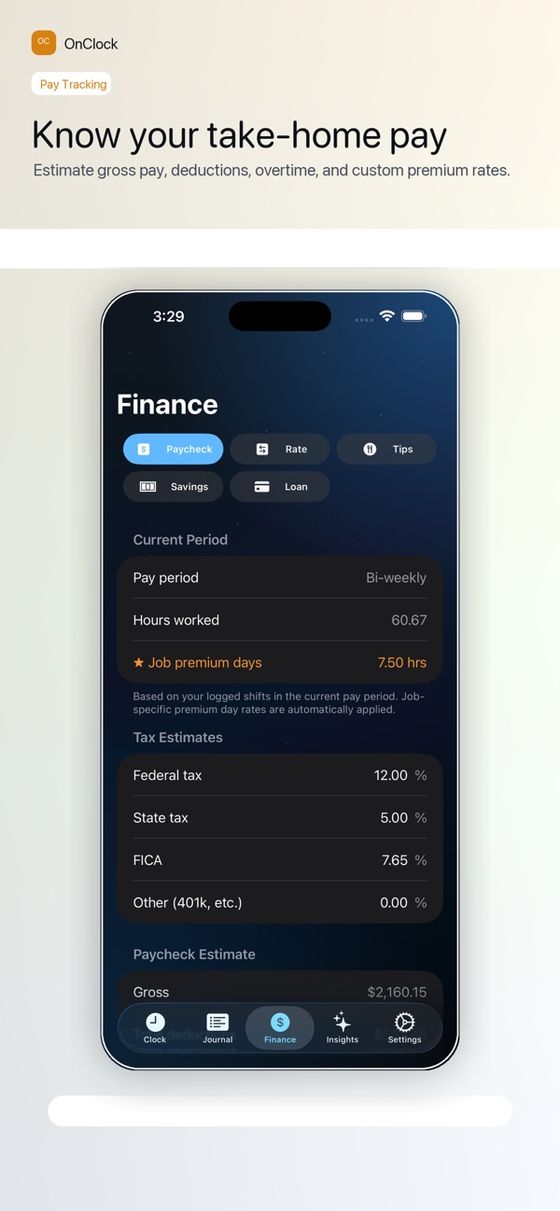
Pay you can see
Estimate earnings by shift, day, week, job, and pay period — including overtime.
Multiple jobs
Track more than one job and see each one's hours and pay.
-
05Insights
Private insights
Review insights from your own shift history — no third-party analytics.
Built to feel Apple-native
Free for everyone.
Starting with version 1.3.0, every OnClock feature is included at no cost. No subscription, no trial, nothing to unlock.
every feature included
nothing to buy or unlock
third-party ads, analytics or trackers
Who is OnClock for?
Hourly workers, contractors, freelancers, students, and anyone who wants private shift tracking for their own hours and pay.
How much does it cost?
Nothing. Starting with version 1.3.0, OnClock is free for everyone, with every feature included and no in-app purchases.
Does OnClock work on Apple Watch?
Yes. Clock in, take breaks, and watch your earnings grow, right from your wrist. To add it, open the Watch app on your iPhone, tap My Watch, then scroll down to OnClock.
Is my data private?
No third-party ads, no third-party analytics, and no tracking. See the Privacy Policy.
Can it estimate overtime and multiple jobs?
Yes — OnClock tracks shifts, lunch breaks, pay estimates, overtime, jobs, and notes.
Is OnClock a team timesheet tool?
No. OnClock is built for one person tracking their own shifts and pay. If you need to manage a team, a team timesheet product is a better fit.
Work it out before you clock in.
- Try the time clockA working demo, right here in your browser.
- Hours & pay calculatorAdd up a week of shifts and estimate gross pay.
- Overtime calculatorOvertime hours and pay for a week.
- Paycheck estimatorGross and take-home pay per paycheck.
- Printable weekly timesheetA clean blank timesheet to print.
Clock in with OnClock
Available on the App Store for iPhone and Apple Watch.
Listed on ProgrammerNeeds